Open source · macOS Apple Silicon

From script to video, on your Mac.

An AI producer that builds the video with you. Pick the path — motion graphics animated with your brand or raw footage edited, captioned and voiced — and all the heavy lifting runs on your machine.

≈311 MB · macOS 13+ · free · MIT license

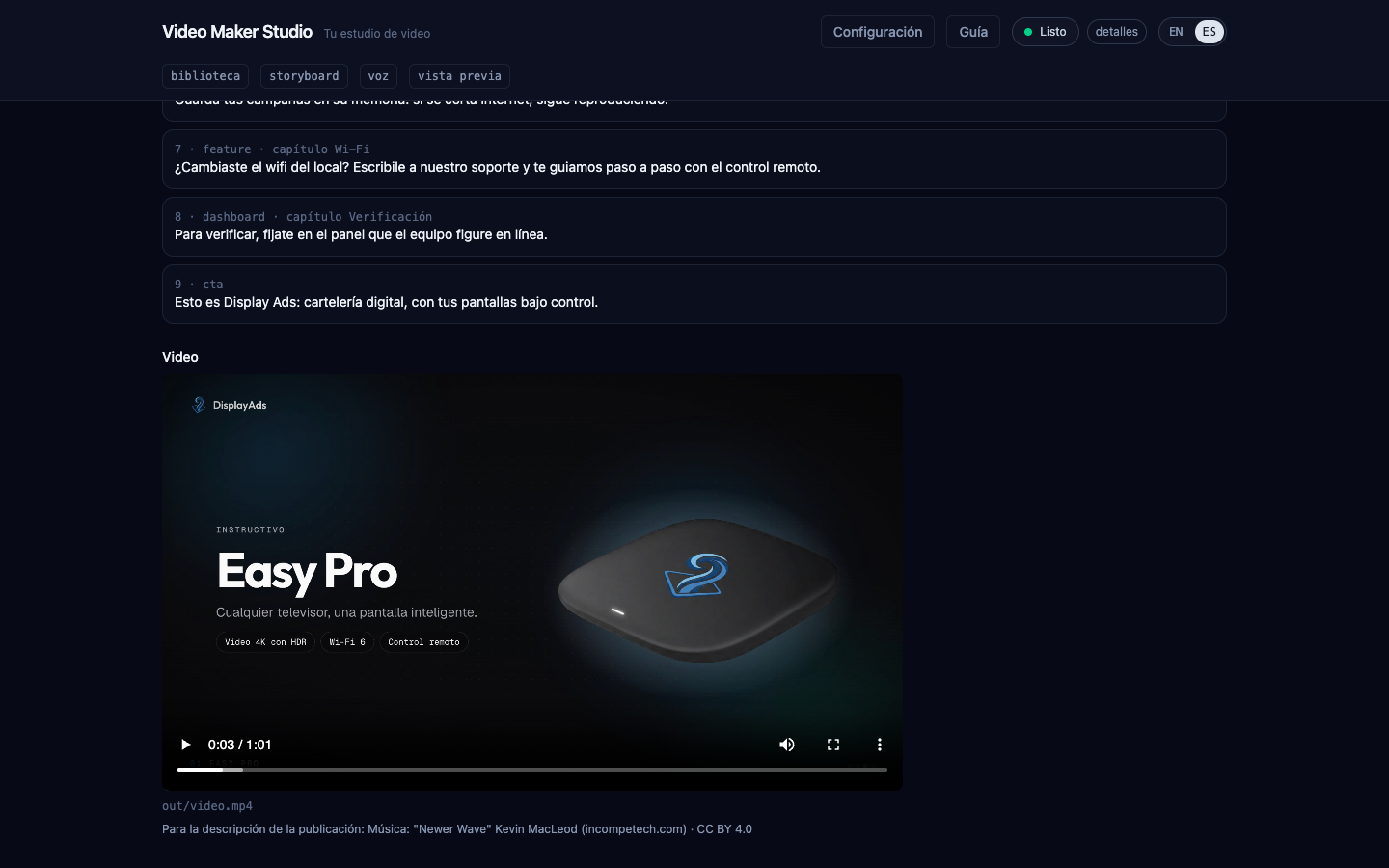
A finished motion graphics video inside Video Maker

Two paths

Choose how your video is born

Both end in an MP4 ready to publish, with voice, music and captions.

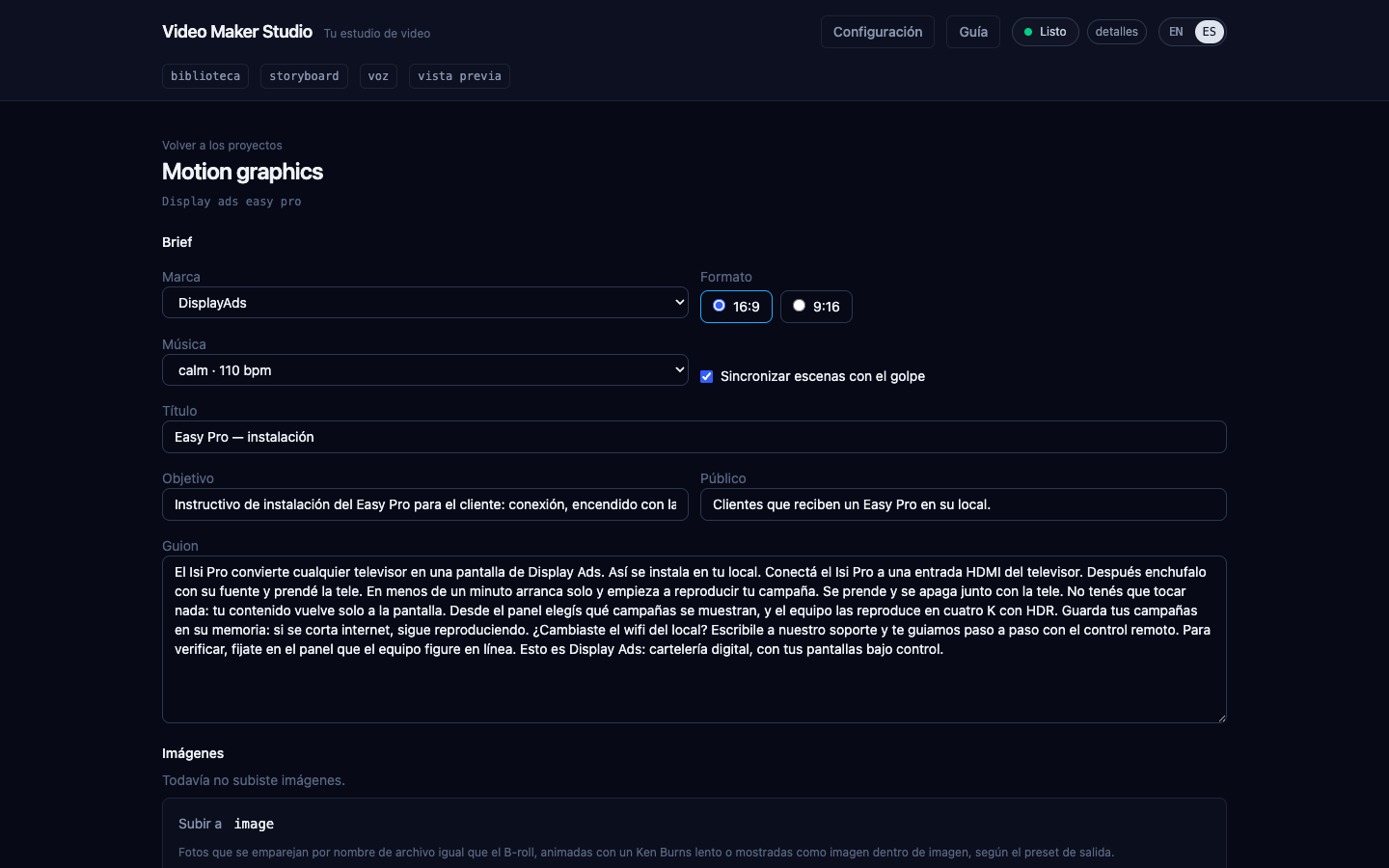
Motion graphics brief with brand, format, music and script

Motion graphics

You write the script and the studio designs animated scenes with your brand: kinetic titles, devices with their screens, phones, dashboards and photos.

  • Storyboard proposed by the AI
  • Cuts on the music beat
  • Adjustments by chatting with the producer
How it works
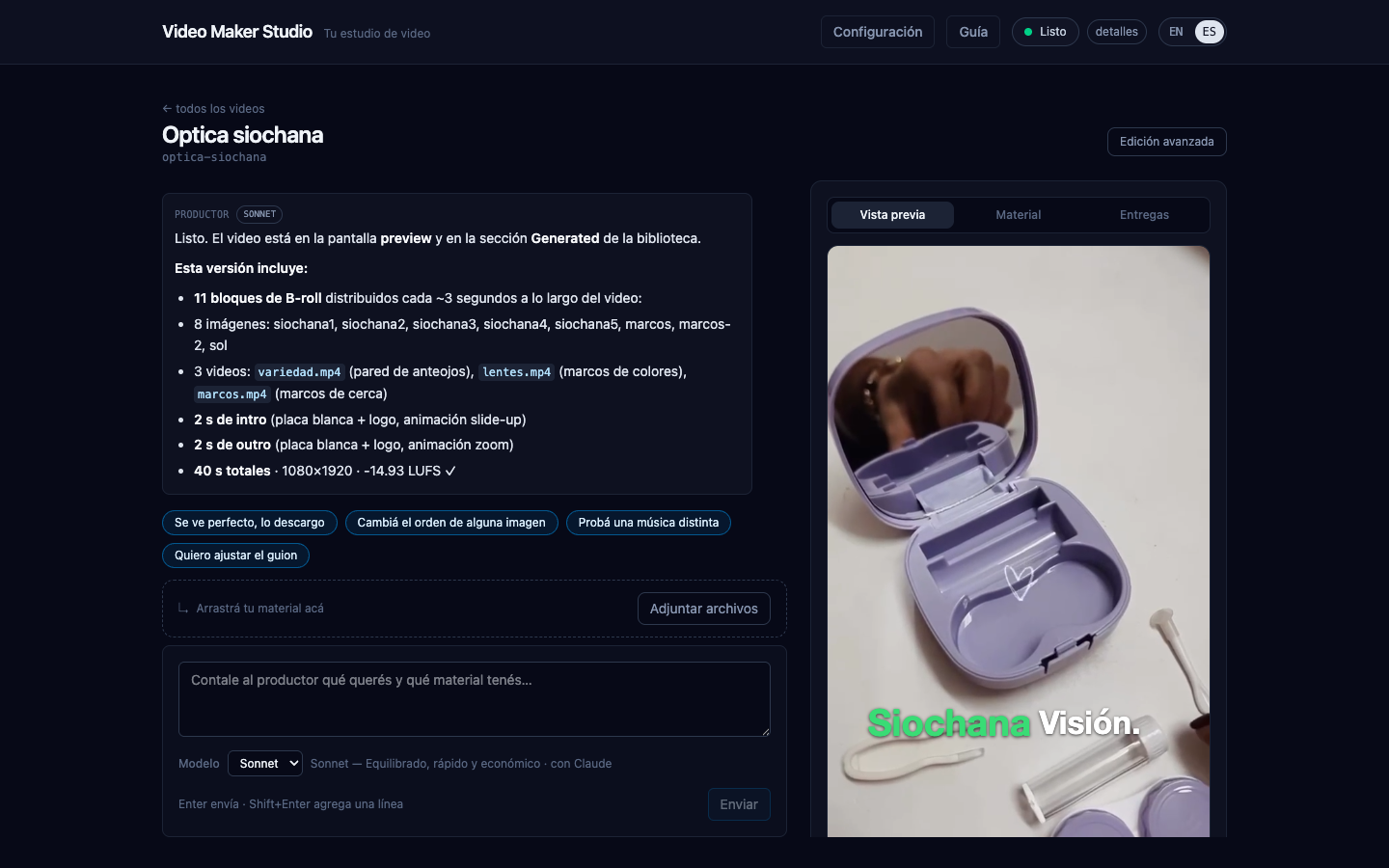
Conversation with the producer and the preview of a finished render

Raw footage

Bring screen recordings, camera clips or photos and the producer edits: it trims silences, places B-roll, adds captions and the voice-over.

  • A suggested role for every file
  • Tutorial, vertical and Product ad recipes
  • Free B-roll from Wikimedia Commons and NASA
How it works

The pipeline

Five stages, one studio

  1. Idea & script

  2. Voice

  3. Scenes

  4. Music

  5. Render

How each stage works

Why Video Maker

Built to produce, not to fight the editor

  • Local first

    Transcription, voice, mixing and rendering run on your Mac. Only the conversation text goes to the AI you choose.

  • A producer you talk to

    Claude Code with your subscription or OpenRouter with your key. It proposes, explains and redoes only what you asked to change.

  • Spanish voices

    Piper es_AR, es_ES and es_MX voices synthesized on your machine, keeping the best take per sentence.

  • Kinetic captions

    One to three words per screen, inside the safe zones of Reels, TikTok and YouTube.

  • Your brand in every video

    Colors, logo, fonts, voice and music in an editable kit with a live preview.

  • Publish without leaving

    Upload to your YouTube channel with a title, description and credits proposed by the producer.

See it

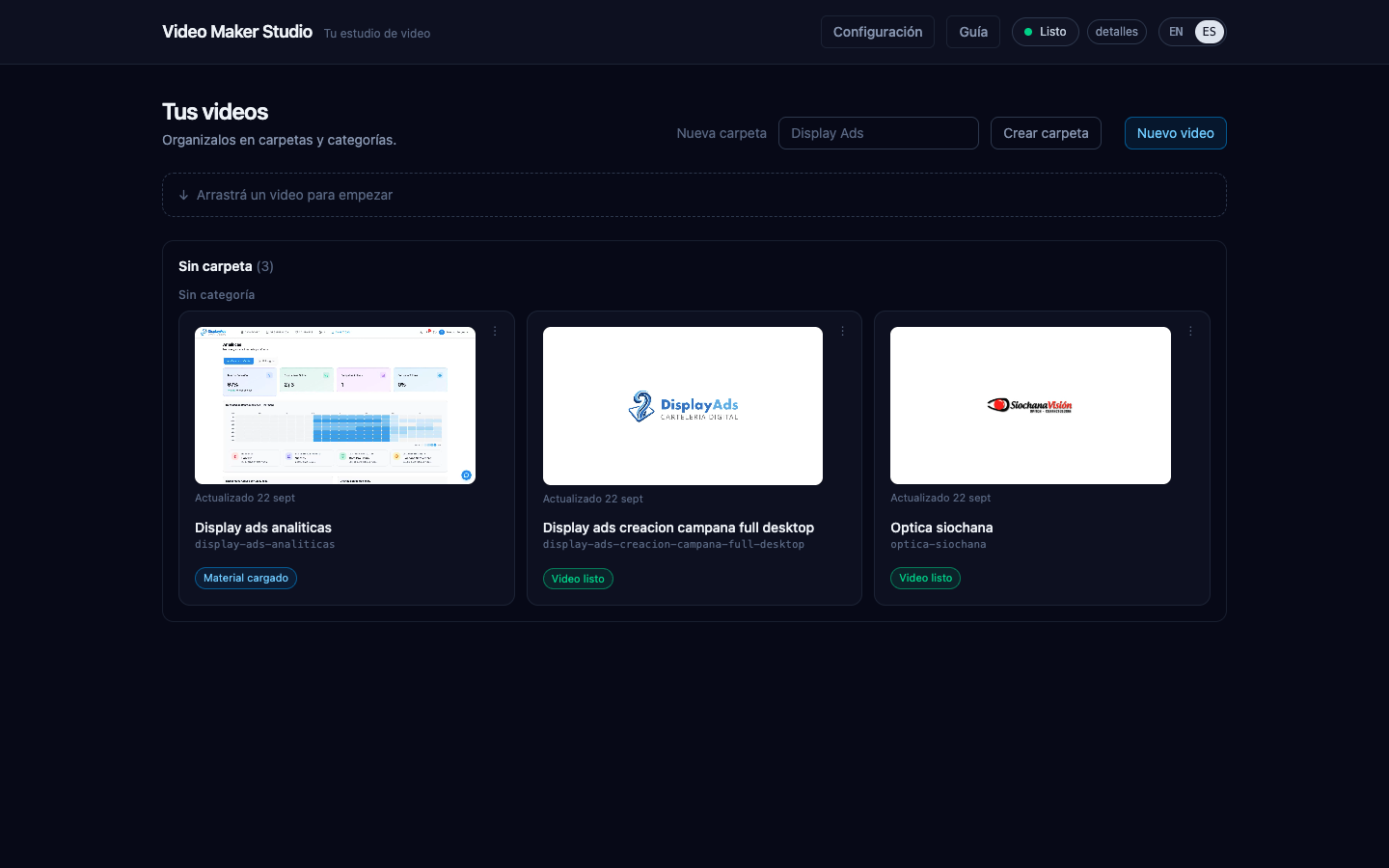
Your videos: project list with real thumbnails and their status
A finished motion graphics video, with the music credit for the description
Conversation with the producer and the preview of a finished render
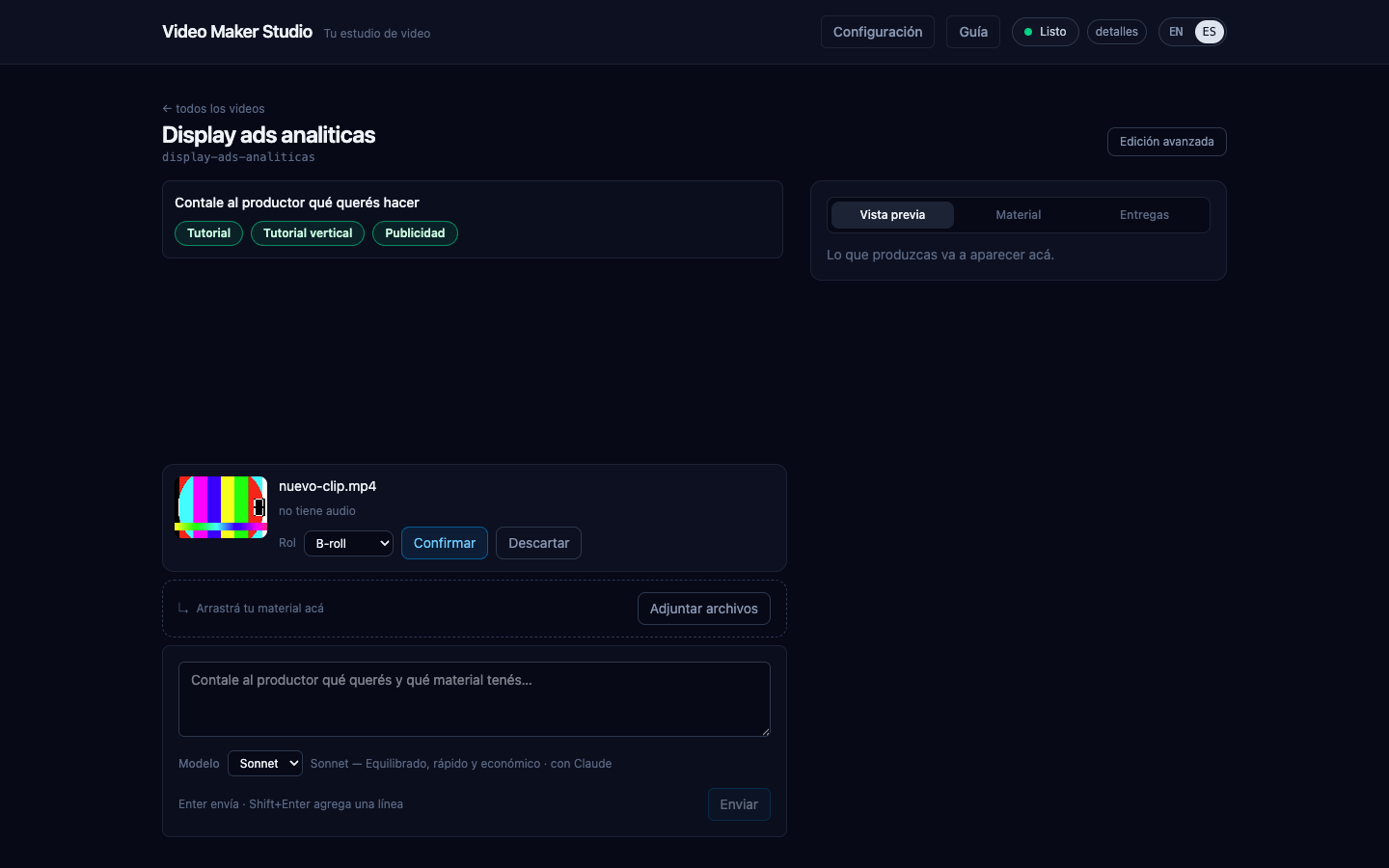
When you drop a file, the producer suggests a role to confirm or discard

Open source

Read the code, propose changes, build your own

Video Maker is an Nx monorepo in TypeScript under the MIT license. Every feature starts from a spec and every fix is recorded, so you can follow why things are built the way they are.

Before you download

What you need

RequirementDetails
MacApple Silicon (M1 or later). There is no Intel, Windows or Linux build.
macOS13 Ventura or newer.
Disk spaceabout 2 GB free (the installed app, the installer and the first-run downloads).
An AI engineClaude Code with your own subscription, or an OpenRouter API key with credit — see Connect the AI.

First time? Follow the installation guide: there is one extra step because the app is not signed with an Apple Developer ID.

Your next video starts with an idea

Download the app, connect the AI and tell the producer what you want to say.